
Goodbye Manual SAP Tasks
Save 2+ hours per day by automating your manual SAP processes with Excel and AI
2h+
saved per day
50+
professionals trained
10+
countries
4.9/5
satisfaction rating (participant survey)
Professionals from these companies trust us
Does this sound like you?
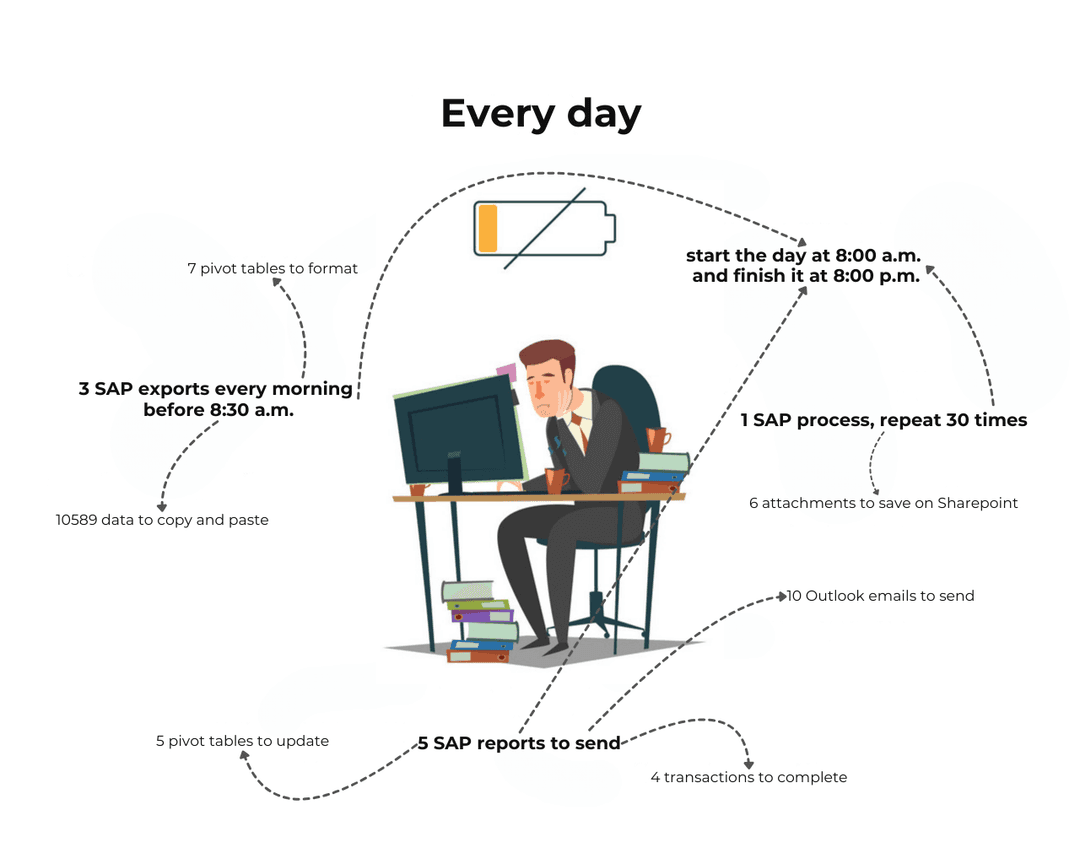
- ✗Hours of copy-pasting between SAP and Excel every day
- ✗Human errors in reports and data exports
- ✗The same repetitive tasks, over and over again
- ✗No time left for high-value work
Now imagine this...
- ✓2+ hours saved every day, automatically
- ✓Zero errors: your macros execute perfectly every time
- ✓SAP reports generated and sent in 1 click
- ✓Time freed up for strategic projects and analysis

A look inside the training
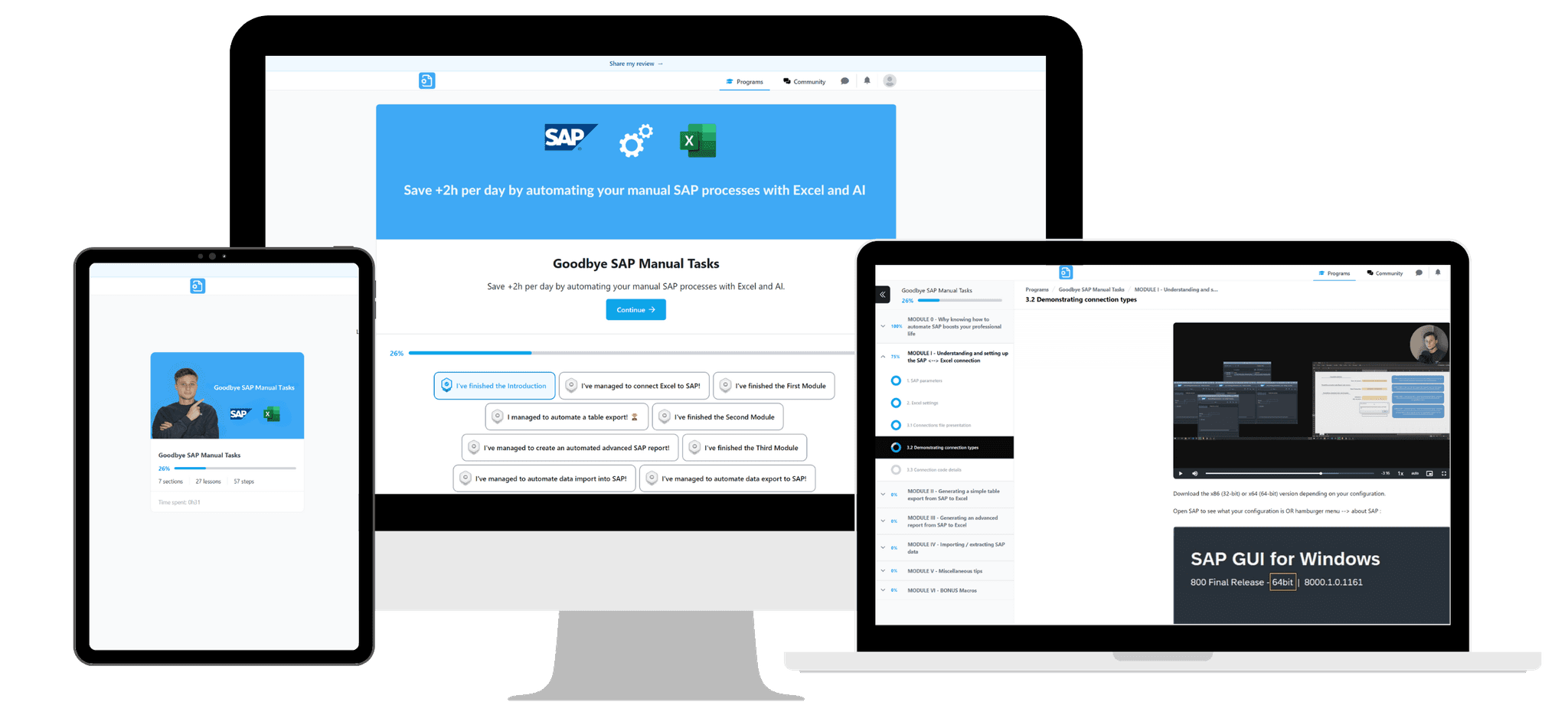
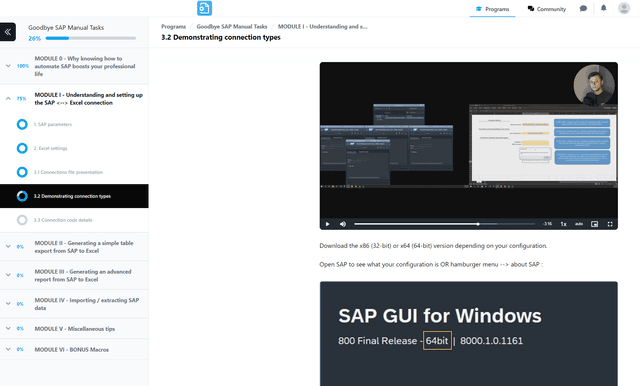
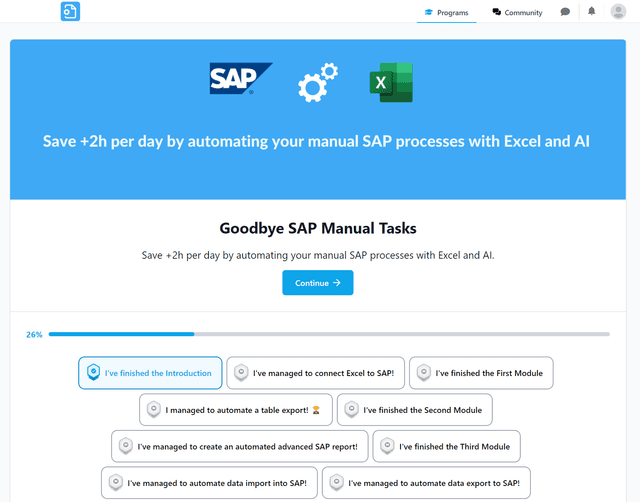
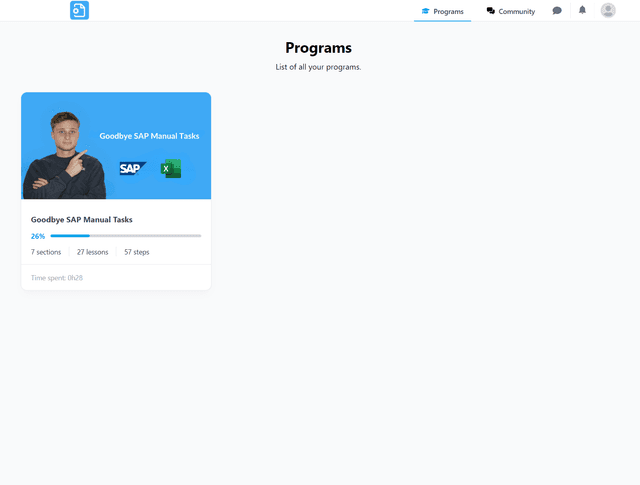
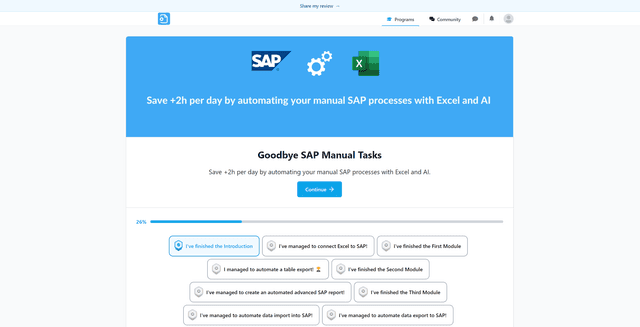
Access a complete platform, available on all your devices
Training program
- Map your manual processes
- Prioritize with the Pareto principle (80/20) and first principles thinking
- Identify quick wins
- Calculate ROI
- Assess risks (SAP authorizations, compliance) before writing a single line of code
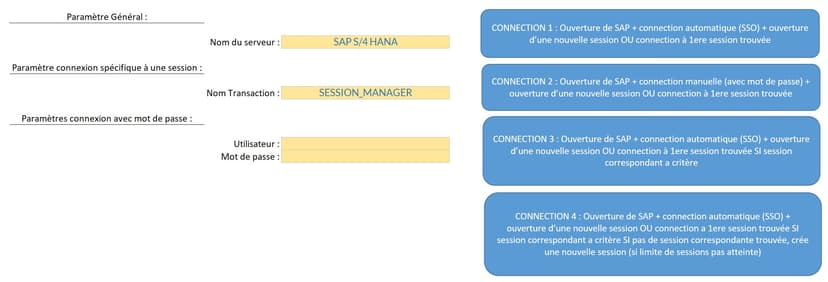
- 4 connection methods (SSO, manual login, multi-session)
- Secure plug-and-play setup
- Direct SAP API access with no extra layer
- Macro recorder
- Session and transaction manipulation through code
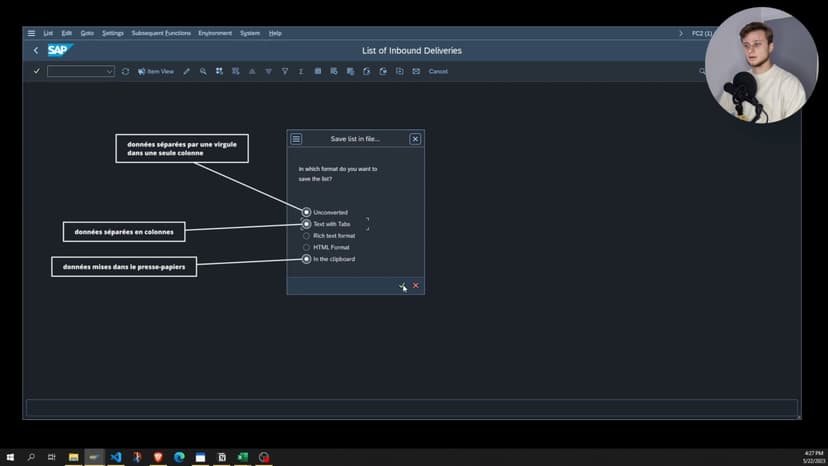
- Simple method to export any table from any transaction
- We record the SAP macro together using the macro recorder
- Detailed and clear explanation of how a SAP macro works
- We build the final export file together
- My SAP tips to get the export that suits your needs
- Handle pop-ups / overlapping windows
- Find the right variant in a grid
- Loop through a grid / table to find information / value
- Exit a running transaction
- Move the SAP scrollbar
- Retrieve data from a table/grid (without scrollbar)
- Retrieve the SAP message displayed at the bottom left in the status bar
- Retrieve the title of a window
- Select multiple rows (like CTRL SELECT)
- Retrieve text from a greyed-out field
- Examples: vendor creation (BP), purchase orders (ME21N), sales orders (VA01), mass modification (VA02, ME22N)
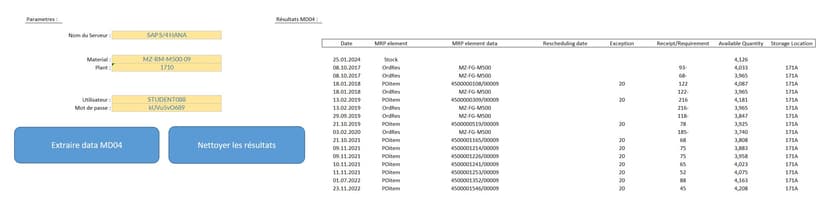
- Multi-transaction chaining
- VBA code generation with Copilot and ChatGPT
- Multiple exports + Excel analysis
- Automated Outlook email
- Build complete reports in one click
- The SharePoint-mounted-as-local-drive trick to link your Excel .xlsm files with SAP macros to the cloud
- Power Automate integration
- Scheduling with Task Scheduler for fully autonomous execution
- Best practices: test environment, production error handling
Included with the training
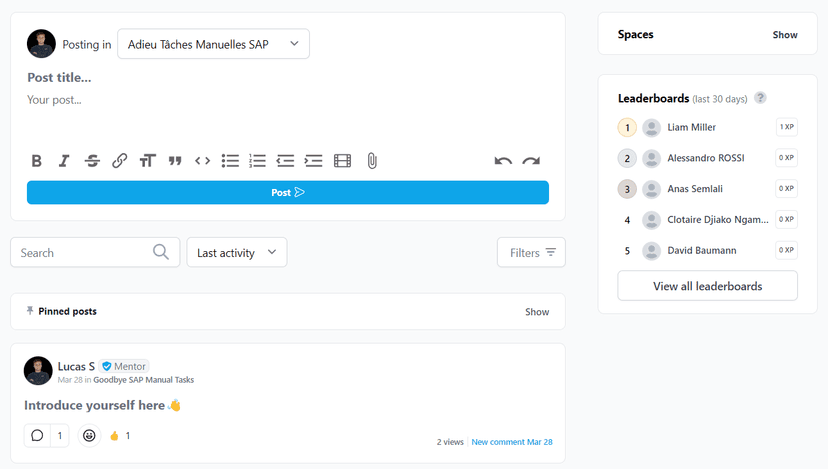
Direct instructor support
Access to the private community with personalized answers. Every question gets a response from Lucas, not a chatbot.
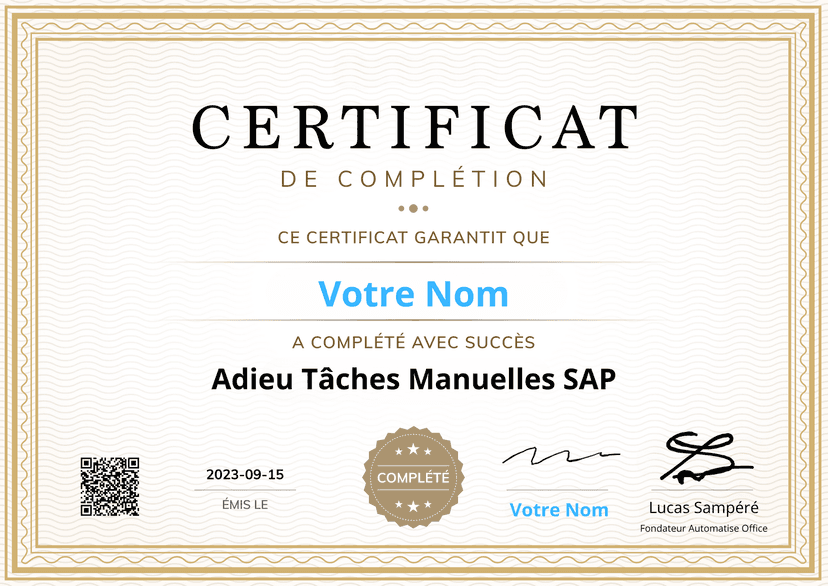
Certificate of completion
An official certificate to demonstrate your expertise to your employer.
ROI calculation template
A ready-to-use Excel file to quantify time saved, convince your manager and justify the investment.
Lifetime updates
Every new module, update or improvement is automatically included. Your training never becomes obsolete.
SAP Scripting expert AI assistantAI
A ChatGPT/Claude assistant trained on the entire training content. Ask any question about SAP Scripting, VBA or automation. Instant answer, 24/7.
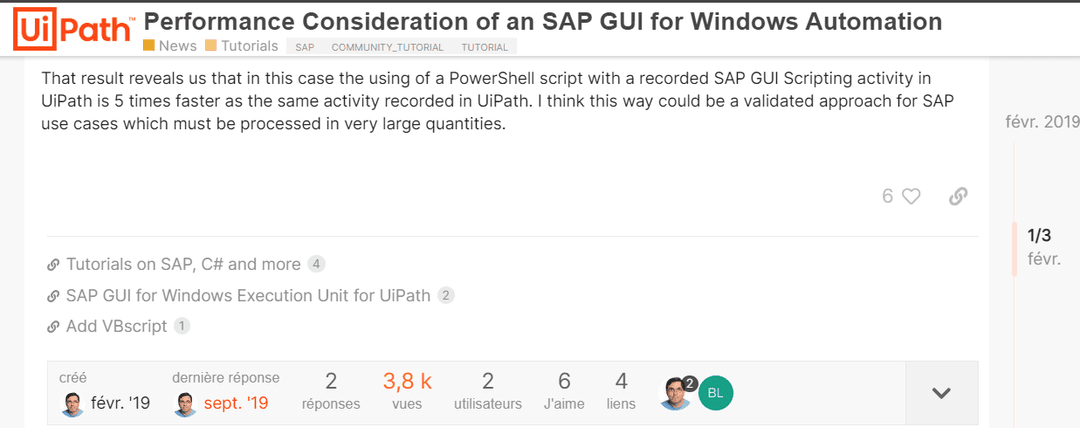
5x faster than UiPath
SAP Scripting accesses the SAP API directly, with no extra layer, enabling up to 5x faster execution. Ideal for processes too costly to run on third-party solutions.

Lucas Sampéré
Founder, AutomatiseOffice
After 5+ years of SAP, AI and Excel automation experience at CAC 40 and Fortune 500 companies like Duracell and Forvia, I created this training to share the techniques I use daily. Over 50 professionals have already completed it successfully.
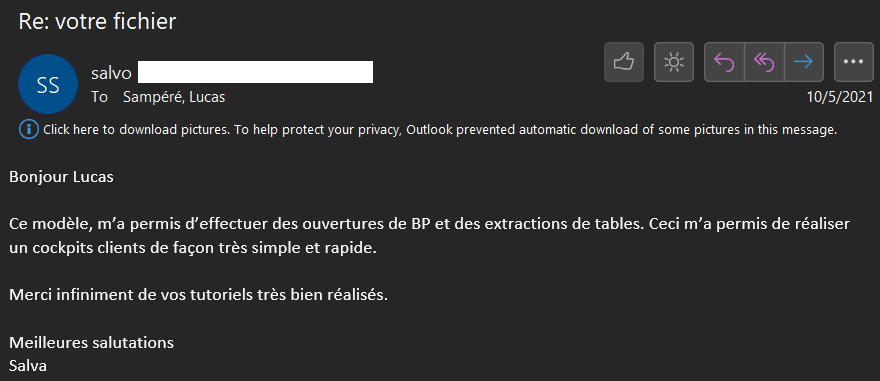
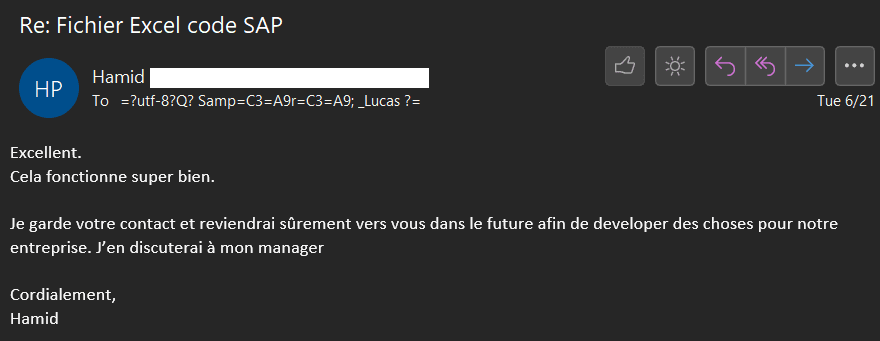
They automated 2+ hours/day of SAP tasks
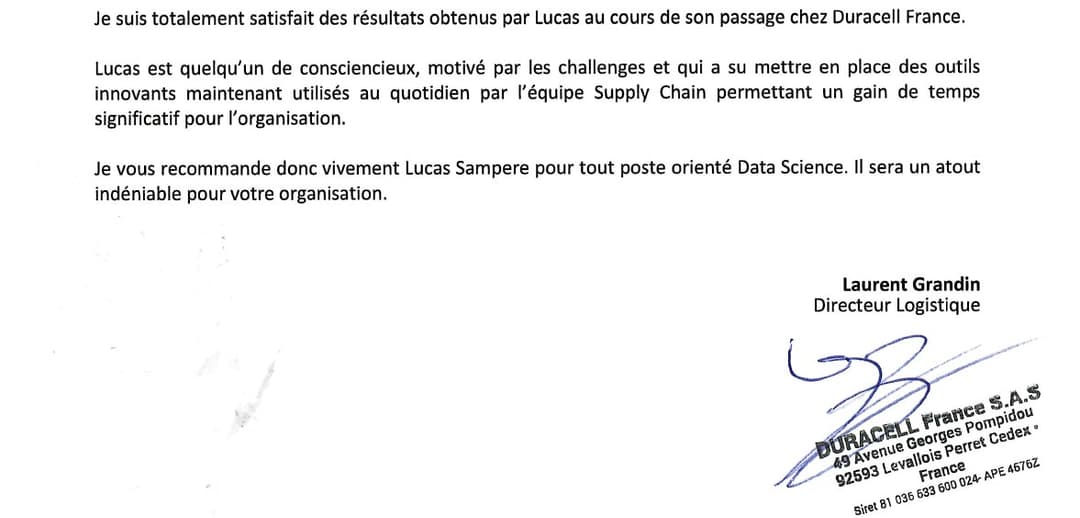
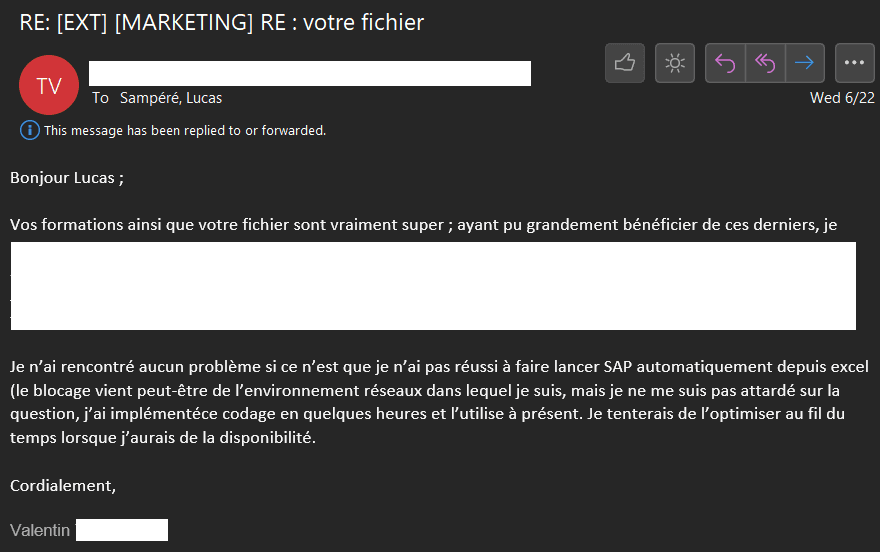
“With his advanced knowledge of SAP, Excel, PowerAutomate, Lucas automated many operational tasks allowing Supply Chain teams to focus where value is created. Automation also enabled the redesign of repetitive processes and their optimization.”
Laurent Grandin
Directeur Logistique, Duracell France
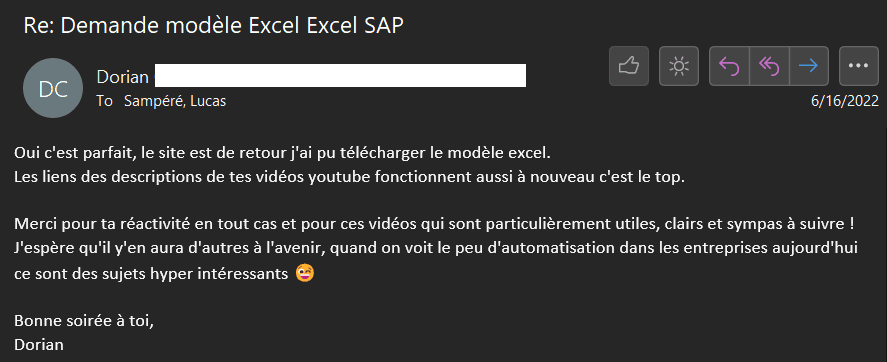
“I first got hooked with the free content on YouTube and your website (which already helped me automate a lot of processes within the team) and then I decided to buy your training! The content is super clear and detailed with examples and plenty of tips that I now use all the time to build my automations. Big + with the AI tips on Copilot that help me create automations for my team even faster! A big THANK YOU!”
Mathieu Sanchez
Suisse
“The training could be applied directly with the implementation of Excel files for people unfamiliar with SAP and also saved a lot of time through task automation.”

Claude Acolat
Responsable Qualité, Grupo Antolin
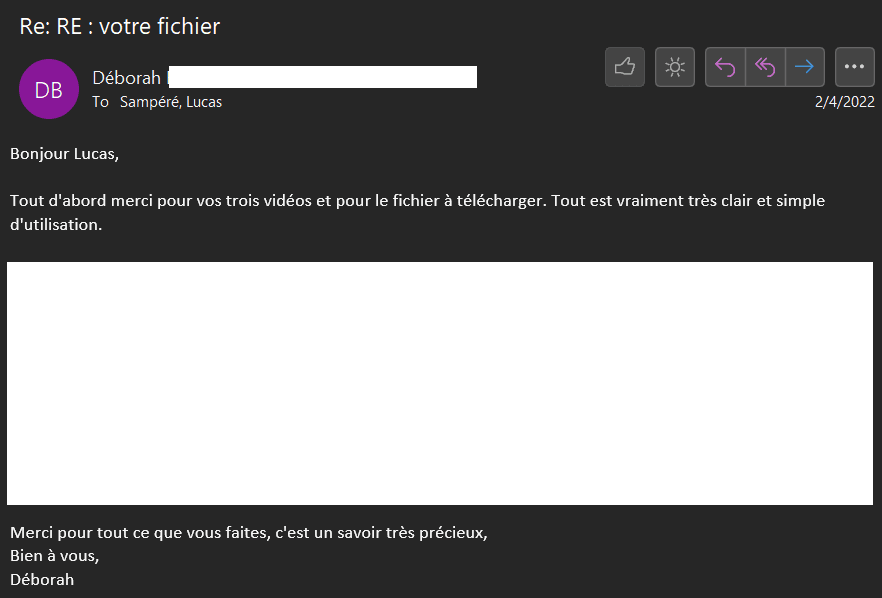
“This is exactly what I was looking for. Your videos are fun and well made. Usually putting things into practice is harder for me but here no problem. I'm not a VBA specialist, I only had about twenty hours total in my entire education, but because of my role I need to improve and develop my skills. Your videos really answered a real need in the industry, thank you for that.”

Baptiste Pellier
Quality Expert, Trigo Qualitaire
“Very good training that helped me a lot in my new quality and continuous improvement role. I was able to implement automatic quality processes between SAP and Excel that took a lot of time manually.. Thanks Lucas!”
Nathan
France
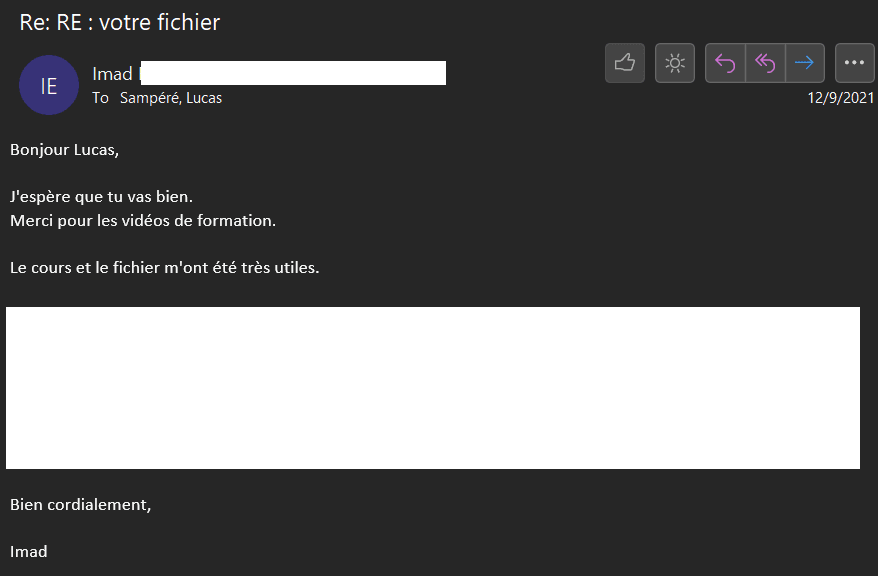
“The training content is well organized. Even if you're a beginner like me, you'll have no trouble following along. The real plus is that everything is super hands-on. As soon as I finished a lesson, I could directly put what I learned into practice. If you're looking to boost your SAP automation skills, it's really a good investment!”
Thomas G
Allemagne
“The tutorials are well detailed. When in doubt, a quick response is provided. The tip for selecting a variant via the search option is very effective.”
Bruno Baune
Pharmacien, APHP (Hôpitaux de Paris)
“"Effective". That's what defines Lucas! Following a problem exporting from SAP to Excel, I wanted to contact Lucas so he could help me find a solution. He immediately took the lead by helping me and offering various solutions. We called via Skype and he even gave me free advice. I highly recommend him, he has all my trust.”

Armand Petit
Alternant Ingénieur Méthodes, Stelia Aerospace
Who is this training for?
- ✓Any professional using SAP daily
- ✓SAP consultants
- ✓RPA consultants (UIPath, Power Automate, BluePrism)
- ✓Students and job seekers
- ✓Employees looking to boost their productivity
- ✓Managers wanting to improve team efficiency

30-day money-back guarantee
Try the training risk-free. If it doesn't work for you, we'll refund you in full within 30 days, no questions asked.
Get full access to the training
Starting from
1,500€
What's included:
- ✓7 complete modules (from audit to deployment)
- ✓Toolkit: 11 Excel files + 3 PDF cheat sheets
- ✓ROI calculation template
- ✓Direct instructor support
- ✓Lifetime updates
- ✓Certificate of completion
Waitlist
Frequently asked questions
Once payment is confirmed, you'll receive your login credentials. You'll have access to the full training. This includes videos, downloadable slides, Excel files and PDFs.
You can follow the training at your own pace. You'll have lifetime access.
Each video unlocks after watching the previous one. Follow the order I designed for an optimal learning curve.
You'll also get immediate access to the community where you can ask questions, find answers and exchange with other participants.
You'll be able to create automations for:
• Exporting any table from SAP. • Creating a report from multiple SAP exports. • Creating new data in SAP from Excel data. • Updating data in a SAP transaction. • Extracting data from SAP. • Sending a finished report via Outlook email.
All while learning to use Artificial Intelligence and Copilot (Microsoft's AI tool).
If you're starting from scratch (never programmed, low Excel level), in half a day you'll be able to create your first automated export.
Then use the time saved on your daily tasks to follow the rest of the training.
In less than a month, you'll be able to automate more complex processes (thanks to AI).
AI codes for us. I explain the basics so you understand the structure, and AI handles the rest.
No need to worry. I guide you step by step, showing you in detail how I build my files.
No prior knowledge is needed to complete the exercises in the training.
A large part of the key tools and information I use daily are nearly impossible to find online and come from private forums or personal contacts.
Of course, you can find some of the information covered in the training by searching on Google (and even on our website!)
But you'll have to dig and tinker to adapt what you find to your project. You'll end up spending a lot of time and energy understanding and adapting what you find online.
All Windows versions from 2003 onwards work with this training. However, we recommend a version from 2016 or later.
Important: The training cannot be applied on Mac.
All SAP versions (R/3, ECC and S/4 HANA) work.
You just need SAP GUI for Windows.
If you don't have SAP access yet, you can take the training and follow along when you get access.
Otherwise, I can redirect you to external SAP access providers.
We have a 30-day refund policy with no conditions and no questions asked.
Just send us an email at contact@automatiseoffice.com.
It's recommended to have some ideas of tools you could create before starting the training.
But the training will give you many automation ideas you may not have thought of because you didn't know they were possible.
You can absolutely follow the training even if you don't know exactly what you could do yet — the training will give you plenty of ideas.
There is no training available in French.
The trainings available in English only scratch the surface and don't cover all the tips and tools we use.
They are designed for an audience already familiar with VBA and SAP, not for beginners who need more explanations and details.
In half a day you'll have your first automated report.
In a few days you can create more advanced tools — AI allows us to move very fast even with little programming knowledge.